 Stockvak
📦
Items
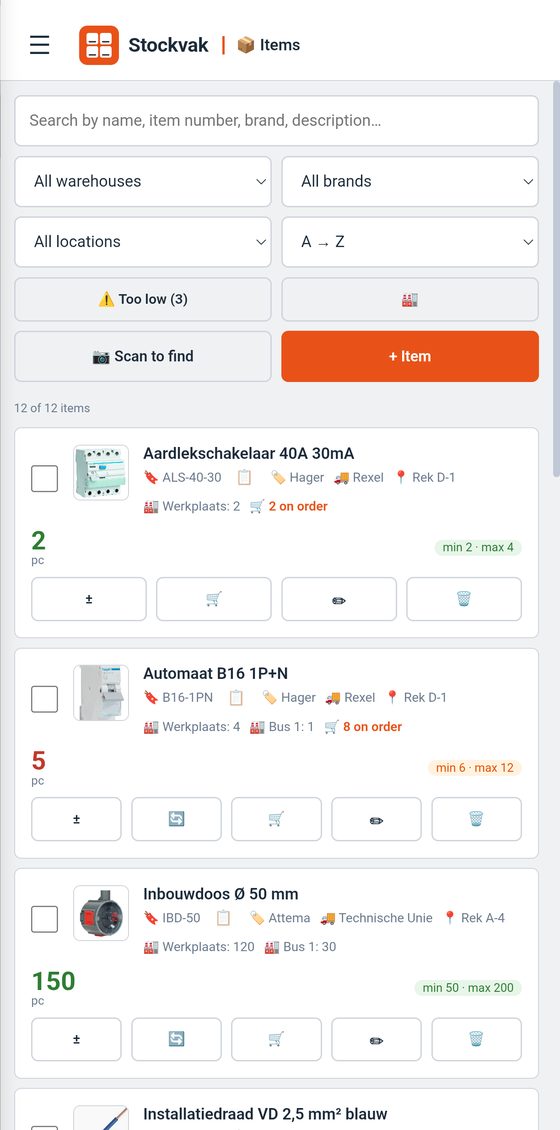
Name, part number, brand, supplier, location and photo. Minimum and maximum stock per item.
Stockvak keeps track of the stock in your workshop, van or storeroom. Scan, count, order and print labels. Everything lives on your own phone; no account, no subscription.
Android phone or tablet, Android 7 or later. Works fully offline. Basics free; Pro (collaboration and Dymo) a one-time € 24.99 after a 30-day trial.
Built by a tradesman who was tired of ordering parts twice — or being one short.
Name, part number, brand, supplier, location and photo. Minimum and maximum stock per item.
Scan a barcode or EAN with the camera, or use a handheld scanner. Search, add and receive in one go.
Workshop, van, cabinet: stock per warehouse, with transfers between them.
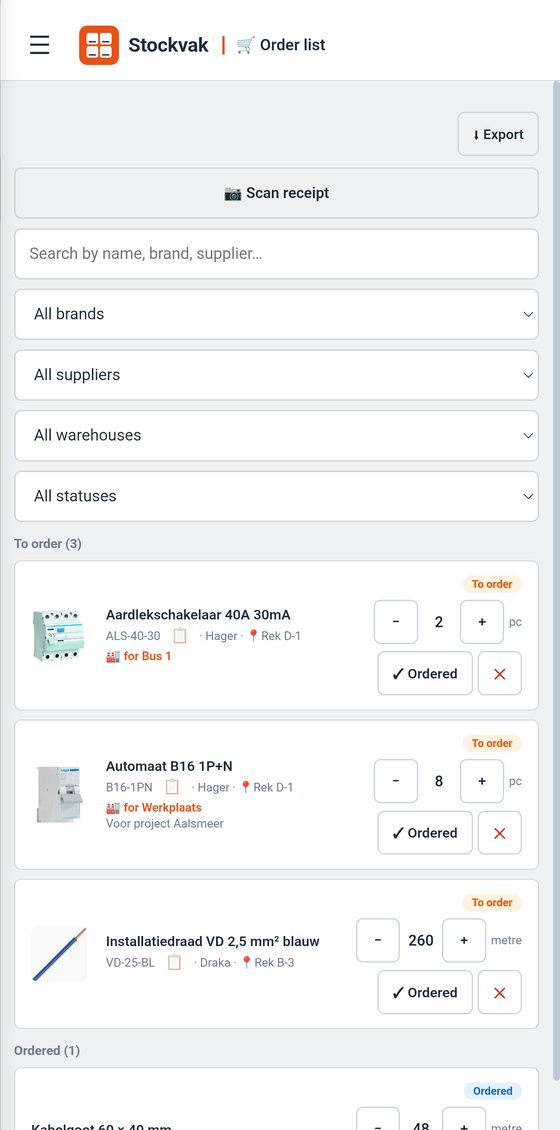
Drops the stock below the minimum? The item goes on the order list. To order → ordered → received.
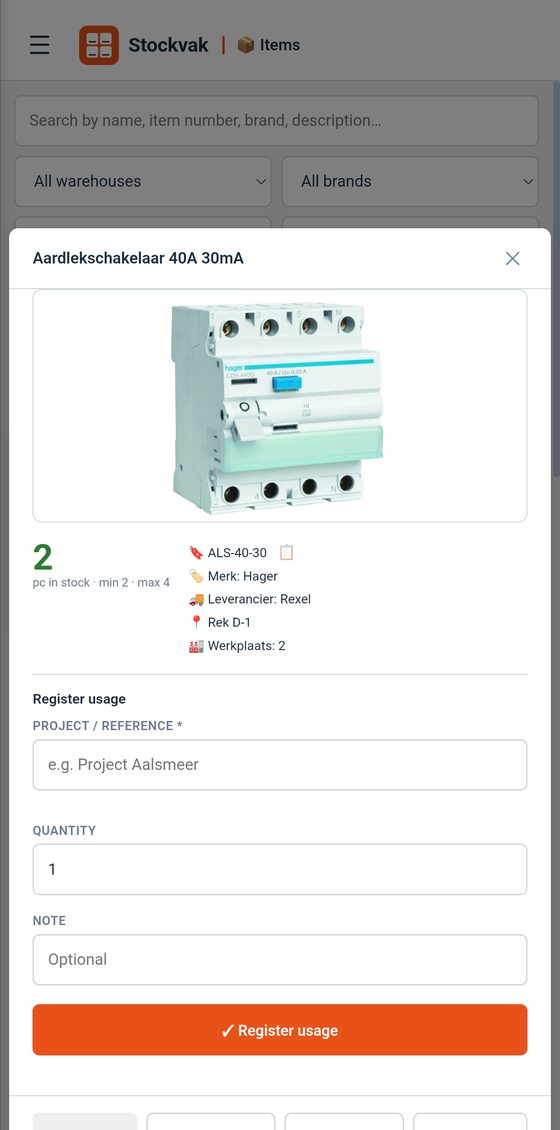
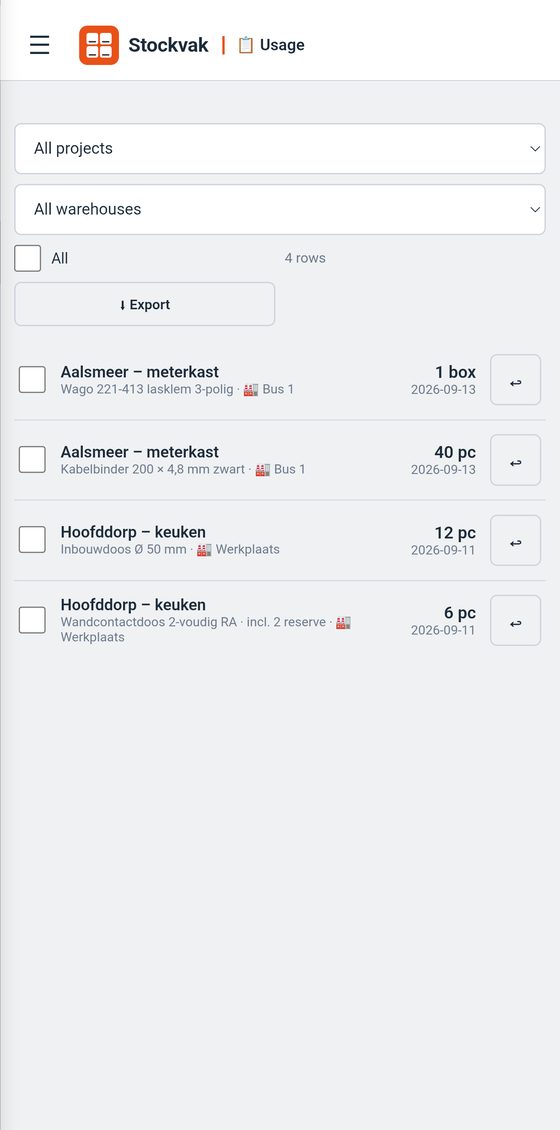
Record what you take per project or customer. Took too much? Book it back. Export as CSV.
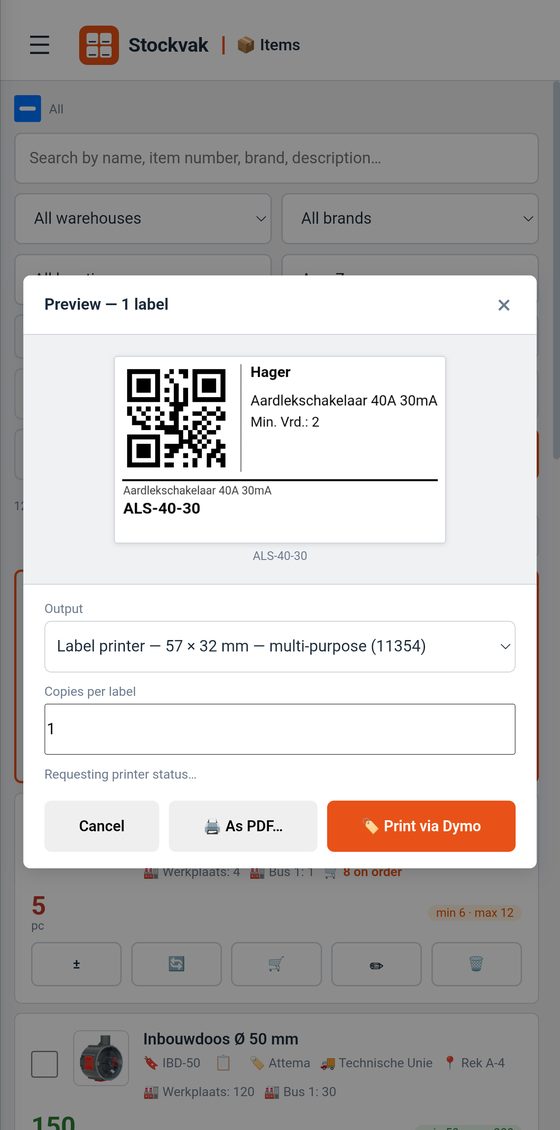
Labels with QR code as PDF (Dymo cassettes or A4 sticker sheets) or straight to a Dymo LabelWriter 550 over Wi-Fi.
Entering long lists or importing a CSV from Excel? app.stockvak.nl runs in Chrome or Edge and syncs through the same shared folder (Pro).
Load an item list from your wholesaler or from Excel in one go; existing items are updated.
Scan the barcode or type the name. Set a minimum and, if you like, a maximum.
Adjust stock with plus and minus, or book usage on a project. Too low? Then it's on the order list.
Mail the order list to your supplier (CSV), and scan on receipt: the stock is updated right away.
Pick one folder in Google Drive, OneDrive, Dropbox or any other storage you already have. Each device writes its own changes there and reads those of the others.
If the Dymo is on the network, Stockvak prints to it directly — from your phone, without a computer. The app reads which cassette is loaded.
Stockvak sends nothing to us or to third parties. No analytics, no ads, no account. Everything stays on your own device — and, if you choose, in your own shared folder.